Free image to SVG converter for designers - 100% local
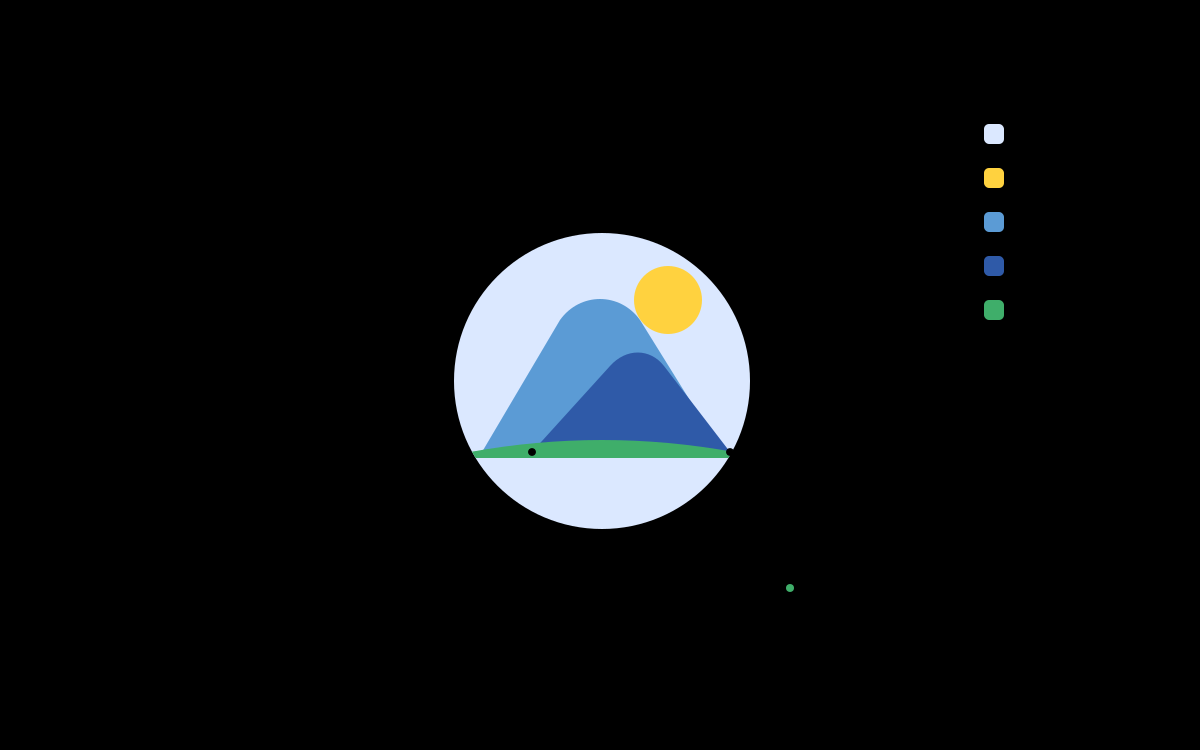
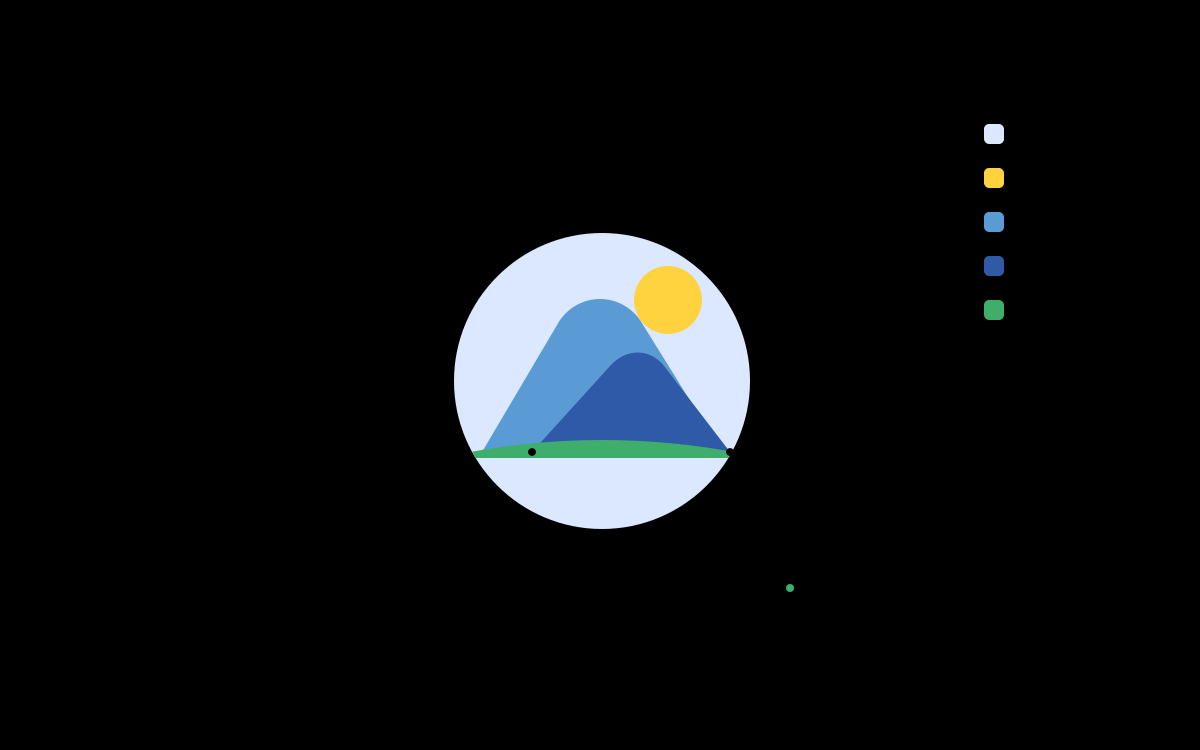
Convert PNG, JPG, and WebP into layered SVG directly in your browser. Runs locally via WebAssembly with zero server uploads, watermark-free standard exports, and no account required.
Why Pic2Vector
Local-first and private
Every pixel is processed on your device via WebAssembly. Your images never leave your browser session.
Dedicated Web Worker
The Rust tracing engine runs in a background Web Worker, so vector curve calculations never block UI interactions.
Three trace modes
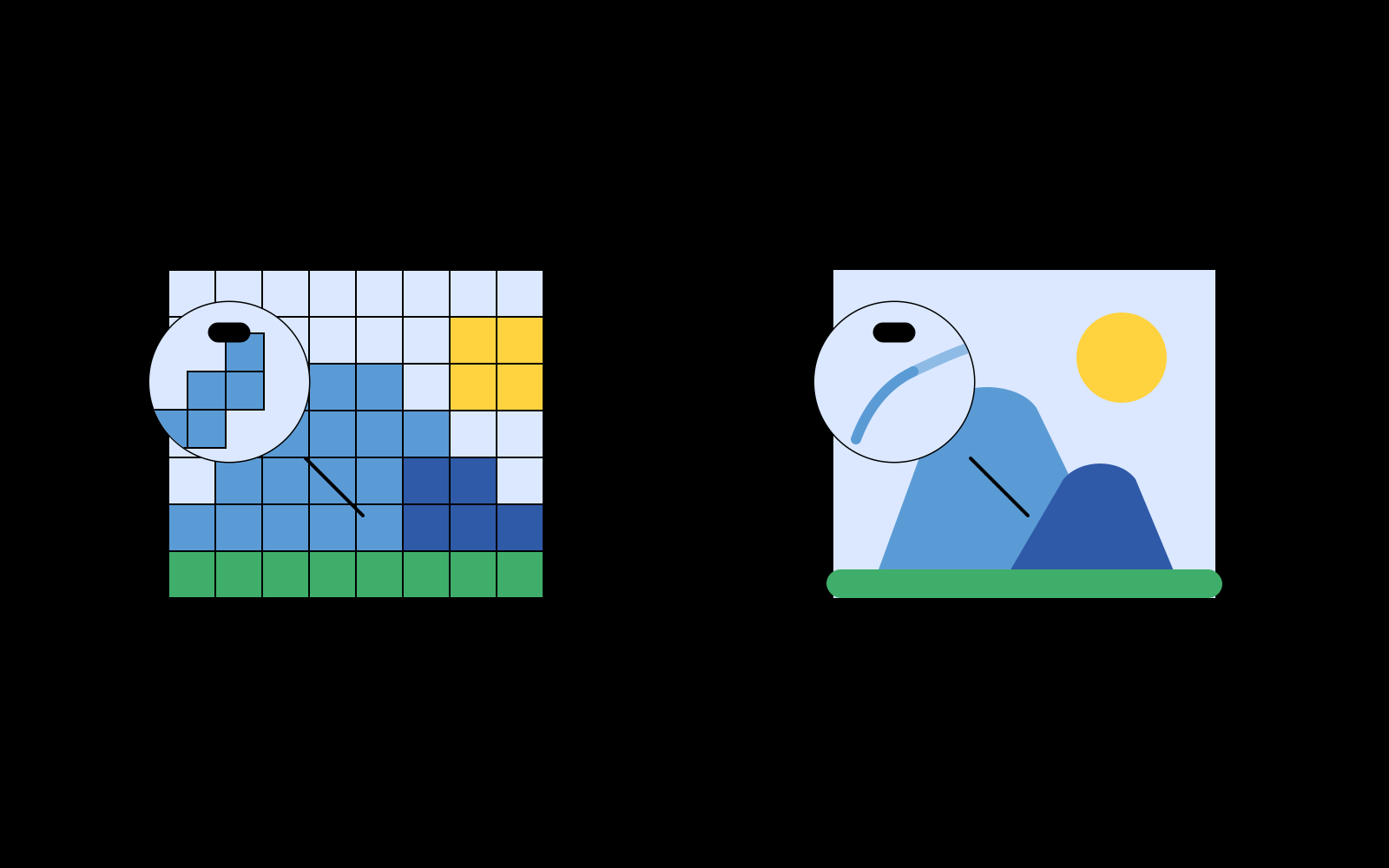
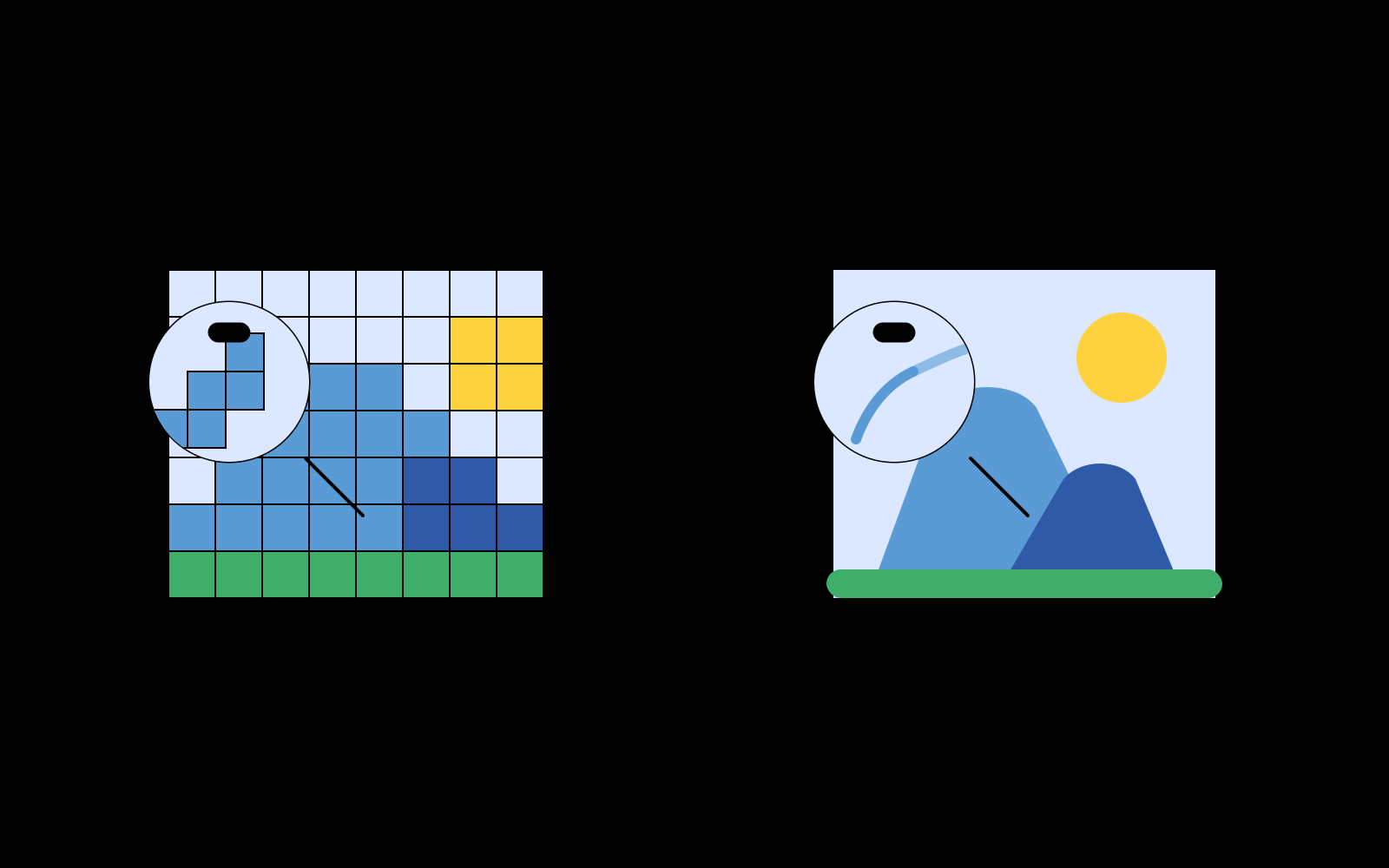
Full-color Bézier splines for continuous tones, binary thresholding for line art, and 32-color posterization for flat prints.
Editable layers
Colors split into discrete layers automatically. Hide, delete, lock, or highlight before exporting.
Real-time parameters
Adjust Douglas-Peucker simplification, corner thresholds, and noise filtering with live preview.
Standard SVG export
Download clean, W3C-compliant SVG markup. No watermarks, instant guest access, and 100% private local processing.
Fits Figma and cutters
Open the SVG directly in Figma or Illustrator, or send toolpaths to vinyl plotters and laser cutters.
How it works
Upload an image
Drag in a PNG, JPG, or WebP file. It never leaves your device.
Tune the parameters
Pick a trace mode and tweak settings for a live-preview result.
Export SVG
Download a clean, layered SVG, perfect for logos, illustrations, and print.
Frequently asked questions
Does Pic2Vector upload my images?
No. Pic2Vector runs entirely in your browser using WebAssembly. Images are processed locally and never uploaded to any server.
What image formats are supported?
PNG, JPG, and WebP, plus any other common format your browser can decode.
What format does it export?
A standard SVG file, split into editable layers by color. You can adjust the layers before export.
Is Pic2Vector free to use?
Yes. The core in-browser vectorization is free to use with watermark-free standard SVG exports. You can start immediately in guest mode without creating an account, powered by our high-performance in-browser WebAssembly engine.
Do I need to install software?
No. Everything runs on your device. Load the page and vectorize. Your data never leaves your machine.
Is there a limit on image size?
Large images are auto-scaled to a 2048px long edge (up to 4096px on high-performance devices) to keep memory usage safe.