Photo to SVG Converter
Transform photographs, portraits, and scenic art into stylized SVG vector graphics. 100% WebAssembly in your browser - zero cloud uploads, infinite resolution, and free standard SVG exports.
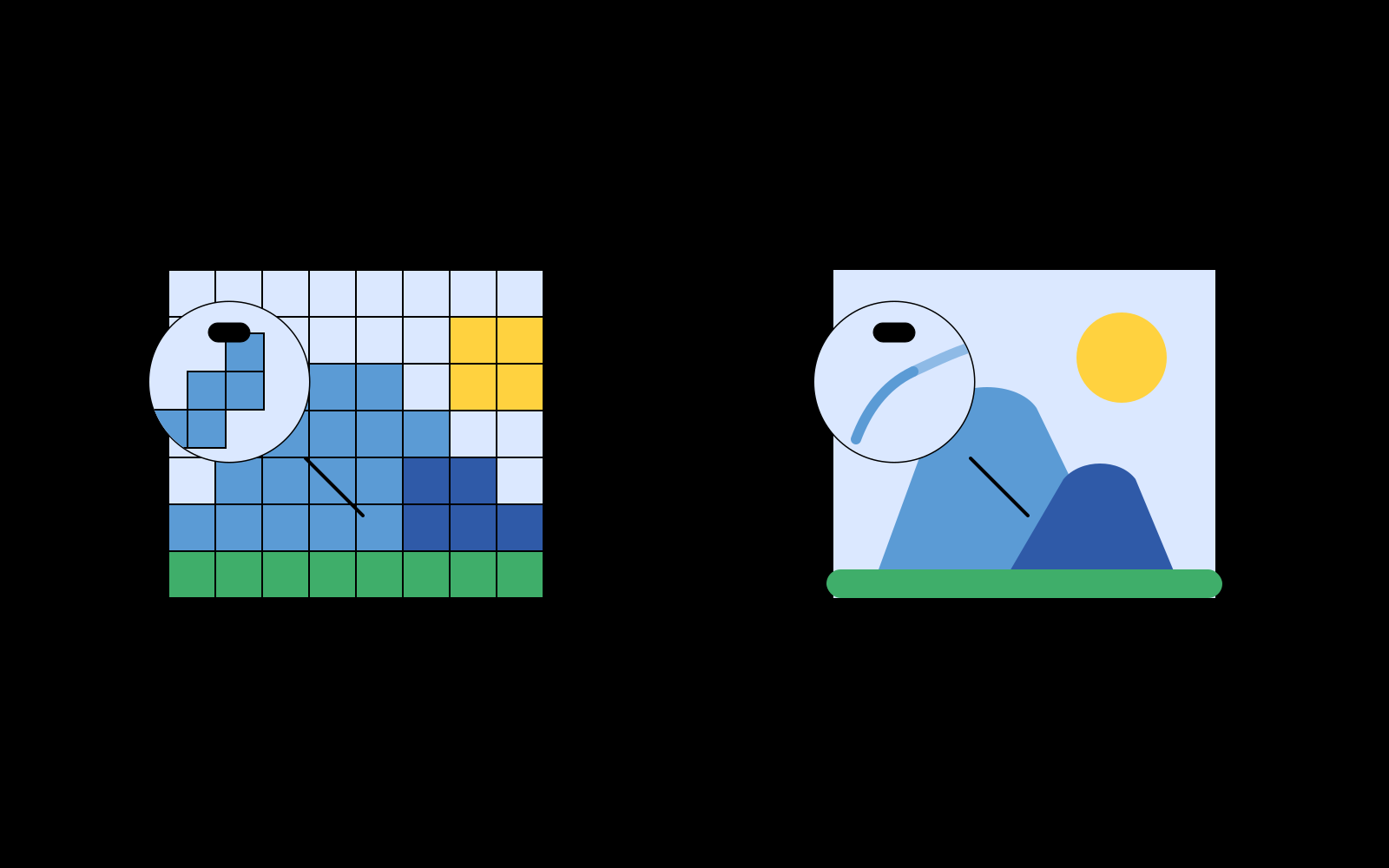
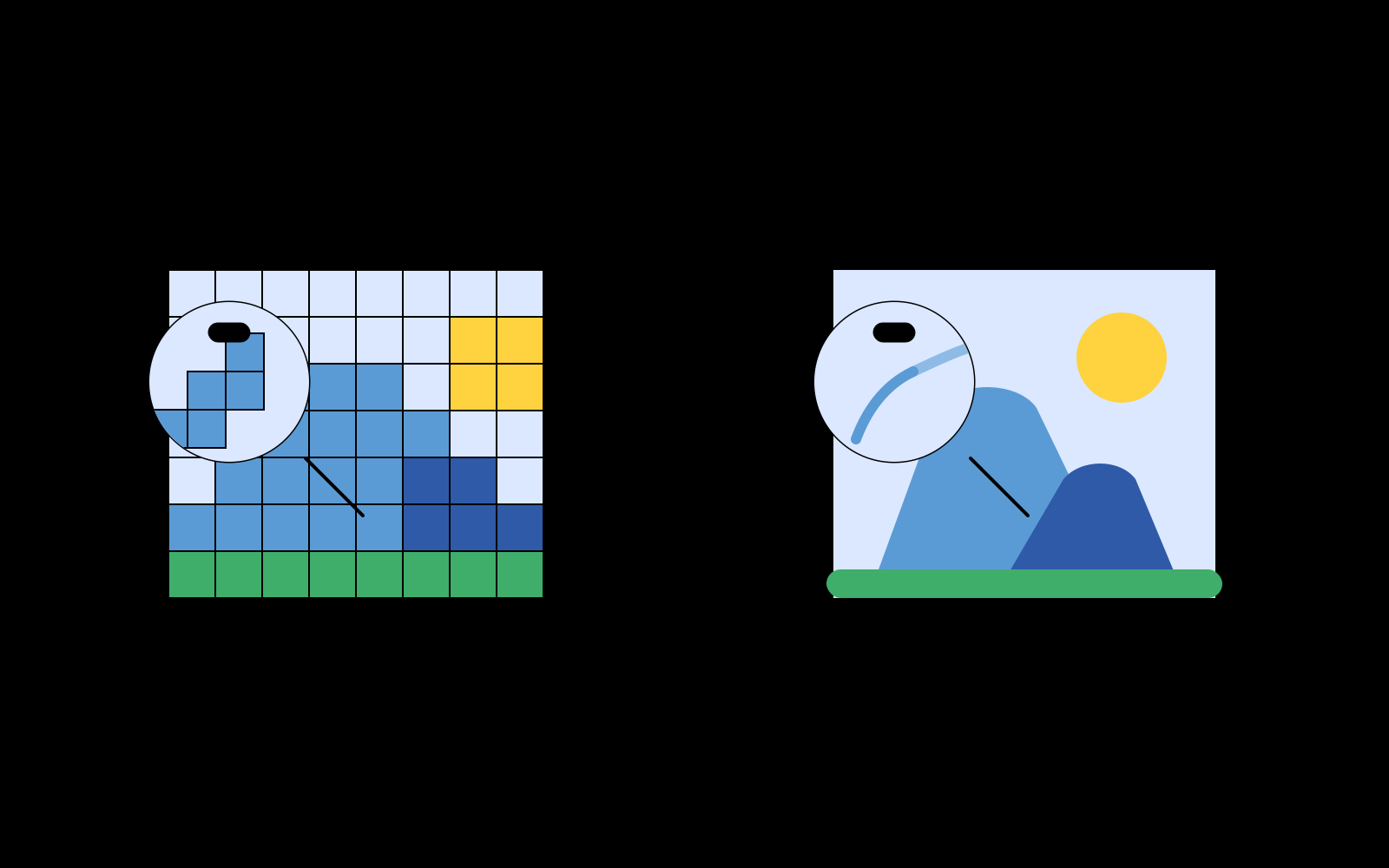
Turning Continuous Tones into Scalable Vector Art
Standard digital photographs are captured as millions of continuous RGB pixels. Enlarging a raster photo for giant wall murals, banner printing, or CNC engraving often leads to noisy blur and blocky pixelation.
Converting a photo to SVG transforms complex pixel gradients into discrete, resolution-independent geometric vector shapes. The result is an eye-catching, stylized illustration that retains the character and essence of the original photograph while remaining infinitely scalable.
32-Color Median-Cut Posterization Algorithm
For screen printing, apparel merchandise, and vintage pop-art illustrations, having hundreds of unorganized color nuances is impractical.
Pic2Vector features an optimized 32-color median-cut quantization pipeline:
- Color Space Partitioning: The algorithm recursively splits the RGB color cube along the highest-variance axis to isolate the 32 most representative color centroids.
- 5-5-5 LUT Mapping: Pixel values are mapped through a 15-bit color lookup table for instant, zero-lag quantization.
- Clean Layer Hierarchy: The 32 color regions are traced as discrete, stacked vector layers that can be toggled and exported independently.
Memory-Safe In-Browser Execution
High-megapixel photographs can easily consume gigabytes of uncompressed RGBA pixel buffers.
Pic2Vector automatically adapts its maximum trace dimension based on navigator.deviceMemory (2048px on standard devices, up to 4096px on high-memory hardware), ensuring fast processing without browser tab crashes.
Explore our related vector tools: PNG to SVG Tool, JPG to SVG Tool, WebP to SVG Converter, Logo to SVG Tool, Image to SVG Tool, or Image to Vector Converter. Simply launch the free photo vectorizer to start creating vector art.
How to Convert a Photo to SVG
1. Upload your photo
Select any portrait or landscape photo. Decoded locally in memory.
2. Choose artistic mode
Select 32-color Posterize or Full Color Spline and tune smoothing parameters.
3. Export layered SVG
Download clean, layered SVG vector artwork ready for print, t-shirts, or web.
Why Pic2Vector for Photo Vectorization
100% Private & Local
Your personal photos and portraits never touch remote servers.
32-Color Posterize Mode
Instant vintage pop-art styling optimized for screen printing and apparel.
Free, No Watermark
Export production-ready SVG files with one click. Clean vectors with zero watermarks.
Frequently asked questions
How do photos turn into vector SVG art?
Photographs contain millions of continuous gradient pixels. Pic2Vector segments them using either high-order parametric Bézier spline fitting (for nuanced continuous tones) or 32-color median-cut color quantization (for graphic posterized pop-art styling).
What is the difference between Full Color Spline and Posterize mode?
Full Color Spline creates dense, smooth curves mimicking continuous tones. Posterize applies median-cut color clustering to reduce the photo to 32 distinct, high-impact flat color plates - perfect for screen printing and poster art.
Can I convert large, high-resolution DSLR photos safely?
Yes. Pic2Vector automatically scales large photos to safe dimensions (up to 4096px based on your device memory) before processing, preventing browser tab crashes while maximizing vector precision.
Is my private photo uploaded anywhere?
No. All image decoding and WebAssembly vector calculations happen 100% locally inside your browser. Your personal photos and family portraits never leave your computer.