JPG to SVG Converter
Turn JPG photos and images into crisp SVG vectors in seconds. Processing happens locally in your browser with zero data uploads.
Why Convert JPG to SVG?
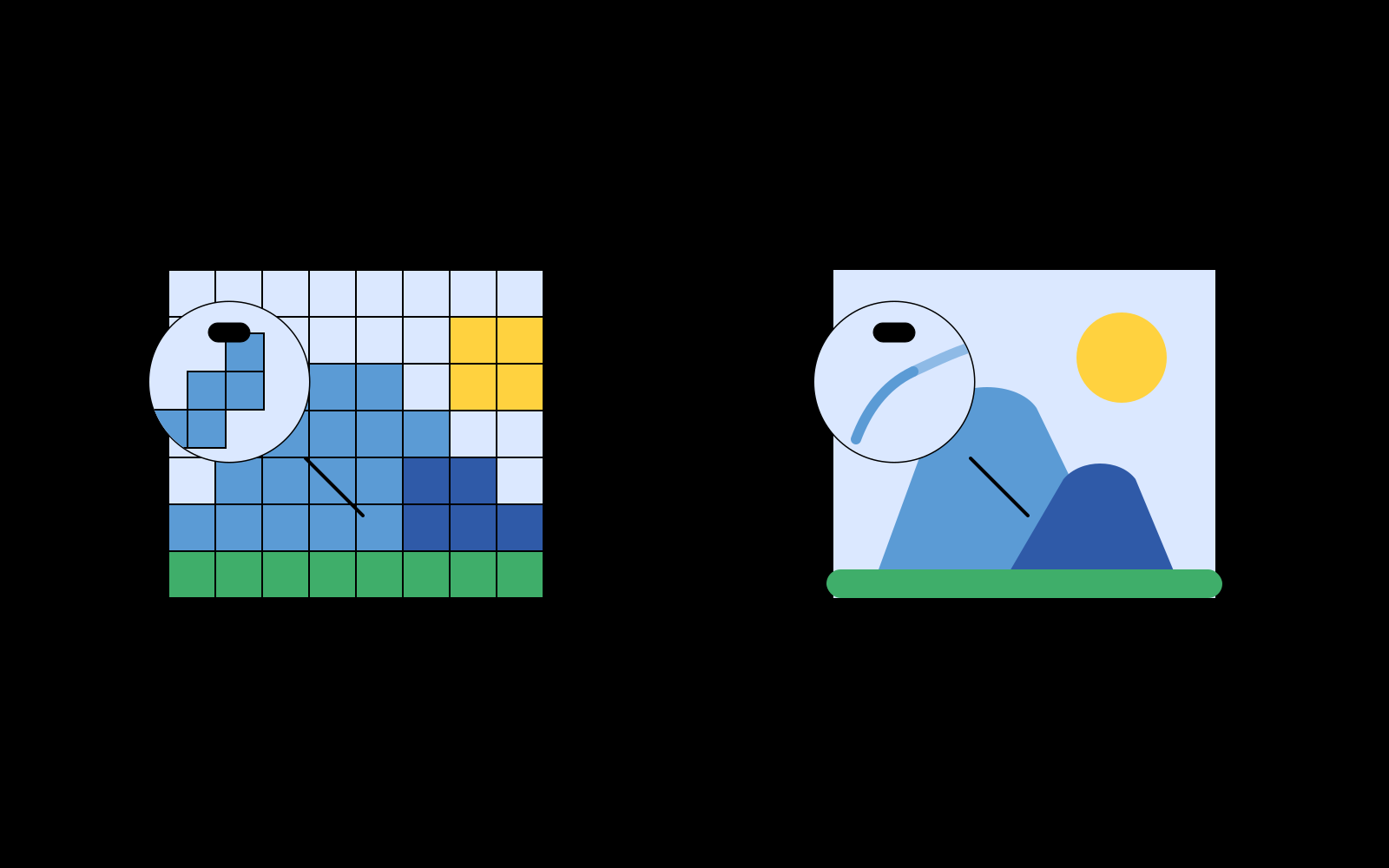
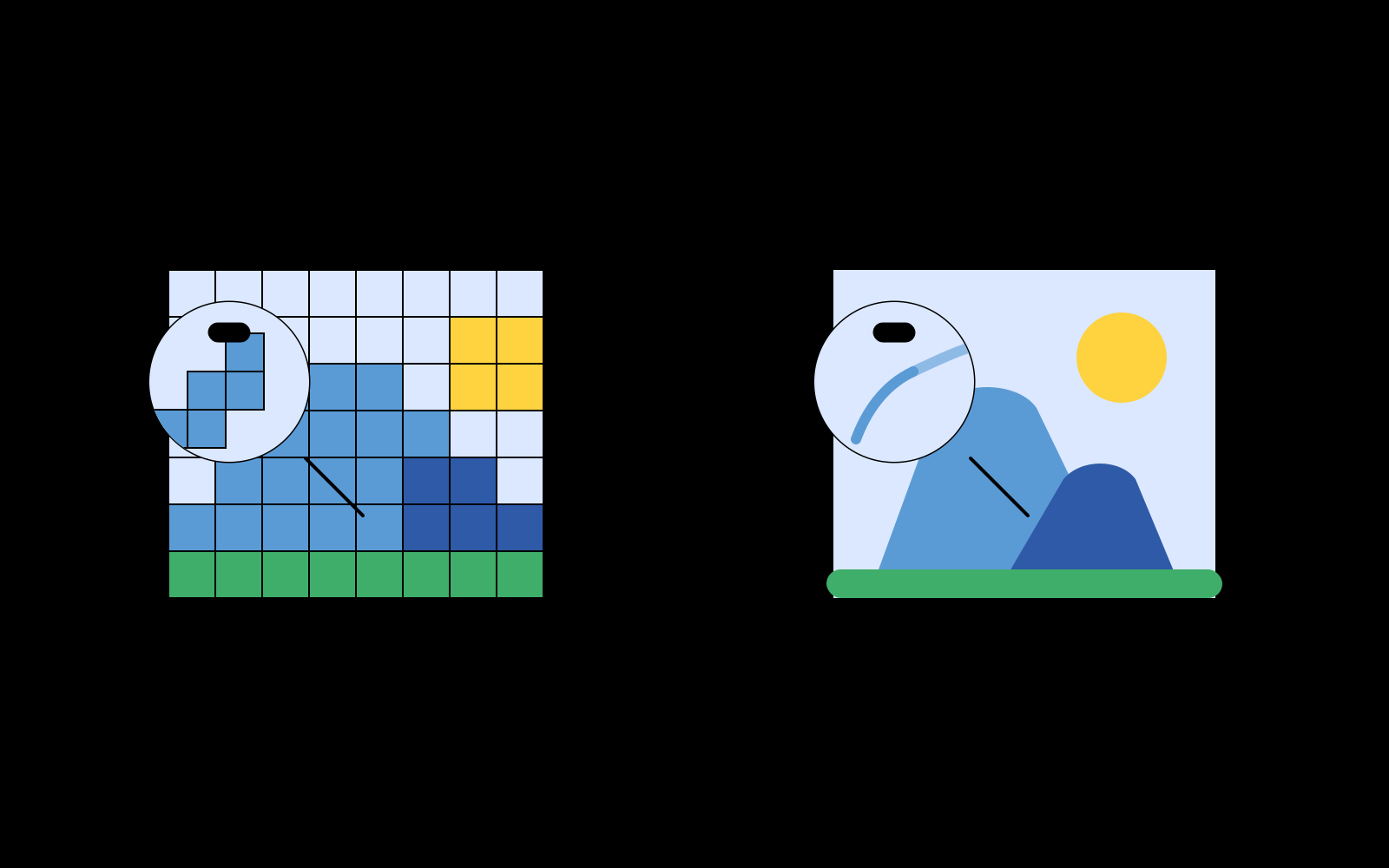
JPG (JPEG) is the most ubiquitous lossy image format in photography and web publishing. However, JPG files suffer from two inherent constraints: rigid pixel grids that blur under magnification, and lossy compression artifacts caused by Discrete Cosine Transform (DCT) block quantization.
Converting a JPG to SVG transforms flat pixel data into smooth mathematical Bézier curves. The resulting vector graphic scales effortlessly from a digital avatar to a large-format trade show banner without ever pixelating.
Overcoming JPEG Compression Artifacts with Bilateral Filtering
Tracing standard JPEG files directly often results in noisy, jagged contours because the vectorizer mistakes 8x8 pixel block boundaries and ringing noise for actual image geometry.
Pic2Vector addresses this by integrating an edge-preserving bilateral filter. The filter evaluates spatial distance and radiometric color intensity, smoothing out flat compression noise while preserving high-contrast structural edges. This delivers clean, organic vector paths with minimal anchor count.
Three Specialized Tracing Modes
- Full Color Spline: Reconstructs nuanced continuous tones with smooth Bézier spline approximations - ideal for photographic artwork and complex illustrations.
- Black & White: High-contrast binary segmentation tuned for scanned ink drawings, line art, and typography.
- Posterize (32 Colors): Applies median-cut color quantization to create bold, screen-printed poster aesthetics.
Looking to vectorize other image types? Explore our PNG to SVG Converter (with alpha transparency), WebP to SVG Tool, Logo to SVG Tool, or Image to Vector Converter. Simply launch the free JPG to SVG converter to start tracing.
How to Convert a JPG to SVG
1. Upload your JPG
Drag in or paste your JPG image. Decoding occurs locally on your machine.
2. Tune tracing & denoising
Select tracing mode, adjust smoothing strength, and preview live vector paths.
3. Export layered SVG
Download clean, layered SVG vector files ready for Figma, Illustrator, or print.
Why Pic2Vector
100% Local & Private
Your JPG never leaves your computer. No upload, no cloud storage, no sign-up.
Smart Noise Reduction
Bilateral filtering strips out JPEG compression block artifacts seamlessly.
Free, No Watermark
Export standard layered SVG vectors with one click. Clean, compliant vectors with zero watermarks.
Frequently asked questions
Can photos be converted to SVG?
Yes. Pic2Vector traces the shapes and color regions of your JPG into vector paths. The full-color spline mode works well for photos, while black and white and posterize modes suit graphics and stylized art.
Does JPG to SVG conversion lose quality?
SVG paths scale without losing sharpness, unlike JPG pixels. The traced result is a stylized vector version of your image, not a pixel-perfect copy, and stays sharp at any size.
Is Pic2Vector free to use?
Yes. Standard browser vectorization is free to use without watermarks or mandatory signups, powered by our high-performance in-browser WebAssembly engine.
Does Pic2Vector upload my JPG?
No. Every pixel is processed locally in your browser with WebAssembly. Your image never leaves your device.