PNG to SVG Converter
Turn PNG images into crisp, editable SVG vectors in seconds. Transparency and sharp edges are preserved locally in your browser with zero data uploads.
Why Convert PNG to SVG?
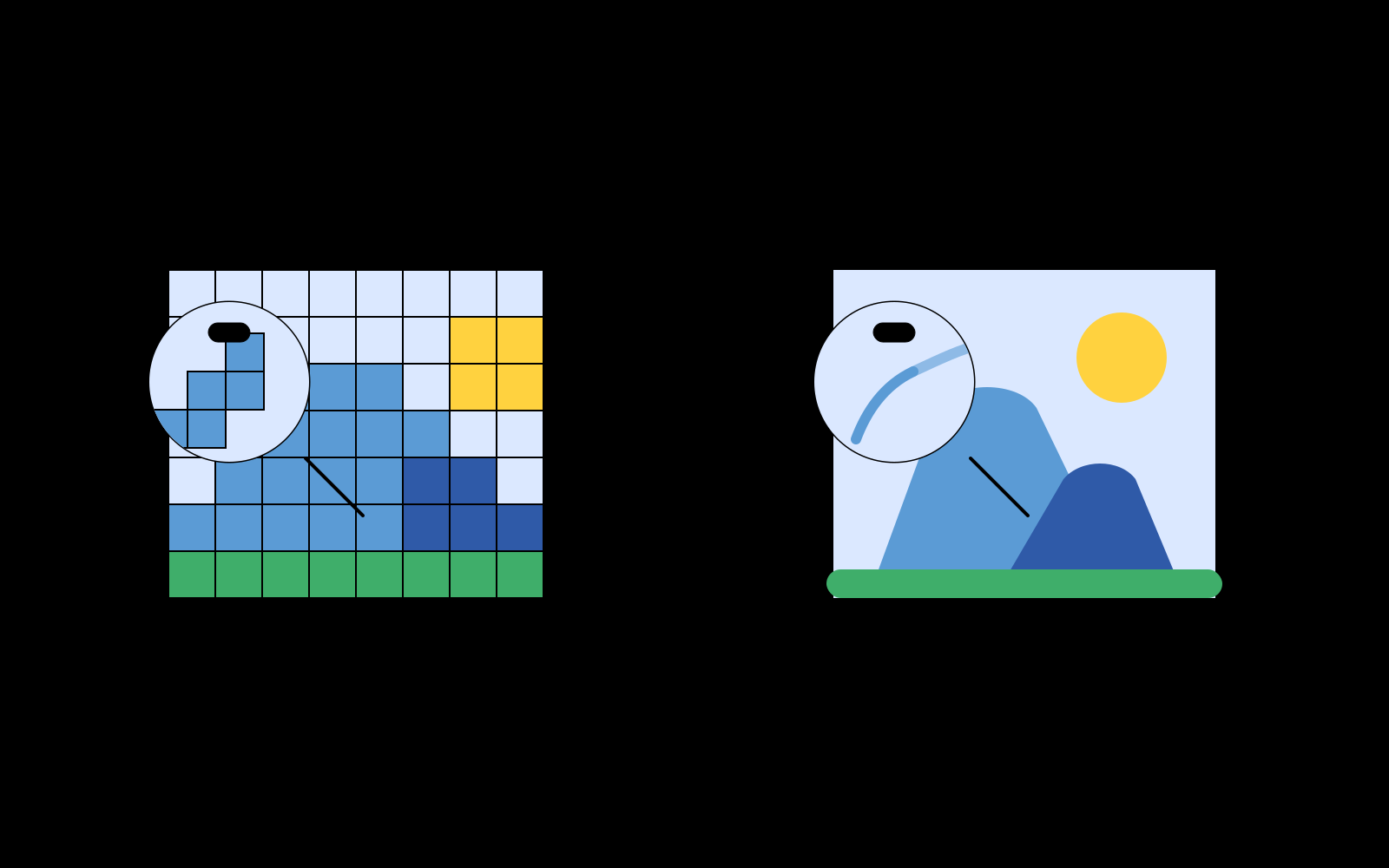
PNG (Portable Network Graphics) is the universal standard for lossless raster graphics with alpha channel transparency. However, PNG images are bound to a fixed grid of pixels: when stretched for high-DPI retina screens, print packaging, or UI iconography, the edges suffer from anti-aliasing blur and pixelation.
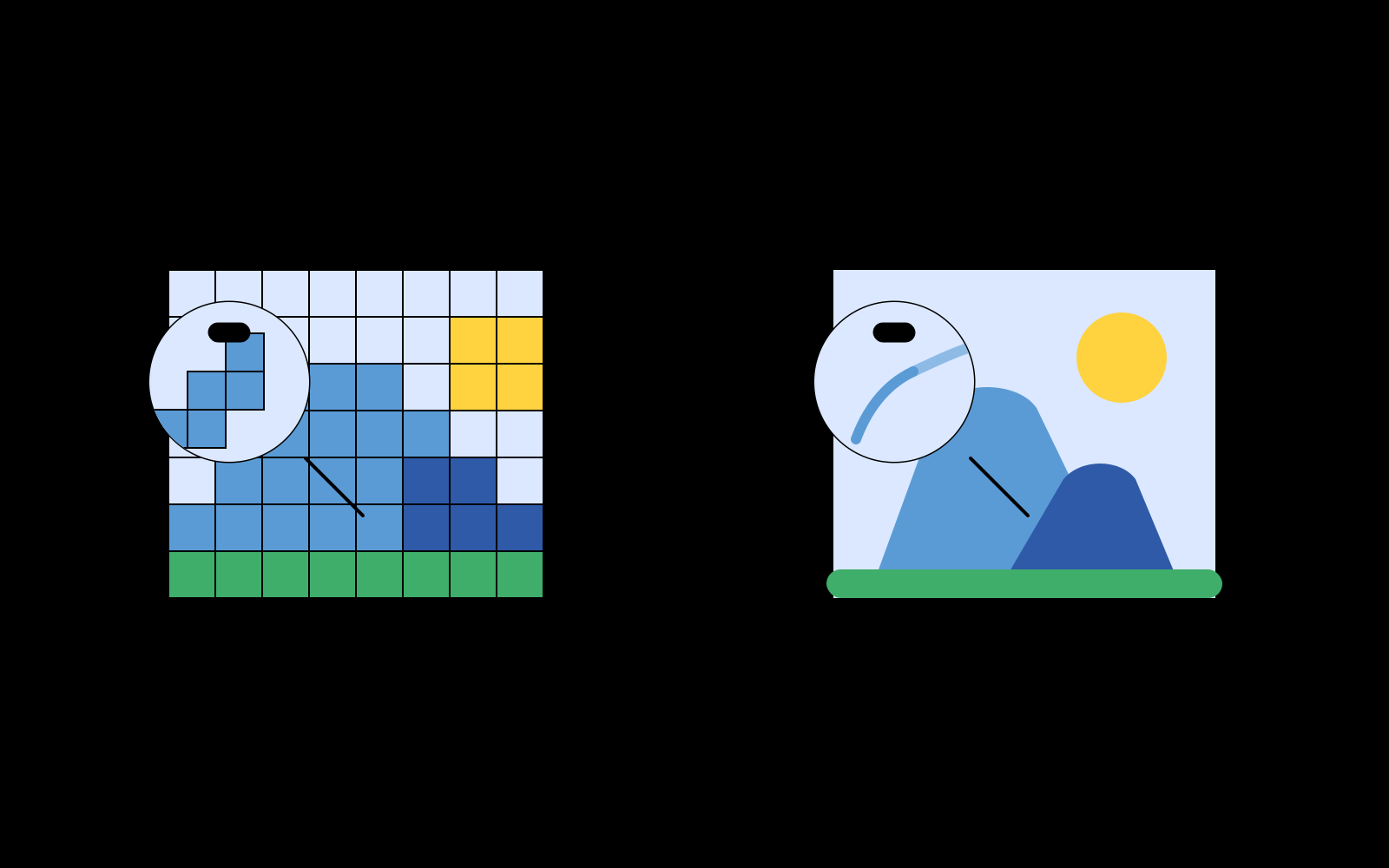
SVG (Scalable Vector Graphics) stores shapes as mathematical spline curves and fill polygons. Converting a PNG to SVG transforms fixed pixels into infinitely scalable graphics that look flawless on mobile screens, 4K monitors, billboards, and laser cutters alike.
Preserving Alpha Transparency Without Fringe Halos
One common flaw with online vectorizers is that they either flatten transparent PNG backgrounds to white boxes or generate ugly semi-transparent "halo fringes" along high-contrast boundaries.
Pic2Vector solves this with a custom transitional pixel-snapping algorithm. It inspects 4-axis pixel neighborhoods around transparent contours, snapping anti-aliased edge blends back to solid color boundaries before spline fitting. The resulting SVG has true transparent bounding regions and razor-sharp outlines.
Layered Color Management for Designers & Developers
When you trace a PNG with Pic2Vector, colors are automatically segmented into independent vector layers:
- Editable & Lockable Layers: Hide, delete, lock, or recolor individual color regions before exporting.
- Clean Path Topology: Adjacent paths sharing identical styles are merged automatically to eliminate microscopic gaps.
- Design Tool Compatibility: Exported SVGs drop directly into Figma, Adobe Illustrator, and Sketch with intact vector hierarchy.
For designers, studios, and cutting workflows
Whether you are preparing client brand assets under strict confidentiality agreements, creating sharp vector icons for Figma UI kits, or outputting clean toolpaths for vinyl plotters and laser cutters, Pic2Vector exports standard, clean SVG files ready for Illustrator, Figma, Inkscape, or CorelDRAW. If you are evaluating vectorization workflows and recurring subscriptions, read our sourced Vectorizer.AI comparison.
Working with other image types? Try our JPG to SVG Tool, modern WebP to SVG Converter, dedicated Logo Vectorizer, or universal Image to Vector Converter. Simply launch the free PNG to SVG converter - all pixel processing stays private on your device.
How to Convert a PNG to SVG
1. Drop in your PNG
Drag in or paste a transparent PNG. Decoding runs in memory on your device.
2. Tune tracing parameters
Select full-color, black & white, or posterize modes and adjust simplification.
3. Export layered SVG
Download a clean, layered SVG vector file ready for print, web, or CAD design.
Why Pic2Vector
100% Local & Private
Your PNG stays in your browser memory. On-device processing with zero mandatory uploads.
True Alpha Transparency
Transparent backgrounds stay genuinely transparent with zero checkerboard artifacts.
Watermark-Free Standard Export
Export production-ready SVG files with one click. Clean, compliant vectors with zero watermarks.
Frequently asked questions
Does converting PNG to SVG lose quality?
No. SVG is a vector format made of paths, so the result stays sharp at any size. A traced SVG can be scaled, edited, and printed without the blur you get from enlarging a bitmap PNG.
Is PNG transparency preserved in the SVG?
Yes. Transparent areas are kept as real vector regions, so the exported SVG has no fake checkerboard or background fill.
Is Pic2Vector free to use?
Yes. Standard browser vectorization is free to use without watermarks or mandatory signups, powered by our high-performance in-browser WebAssembly engine.
Does Pic2Vector upload my PNG?
No. Every pixel is processed locally in your browser with WebAssembly. Your image never leaves your device.