WebP to SVG Converter
Turn WebP images into crisp, editable SVG vectors in seconds. Zero plugins, zero installs, and 100% private in-browser WebAssembly execution.
Why Convert WebP to SVG?
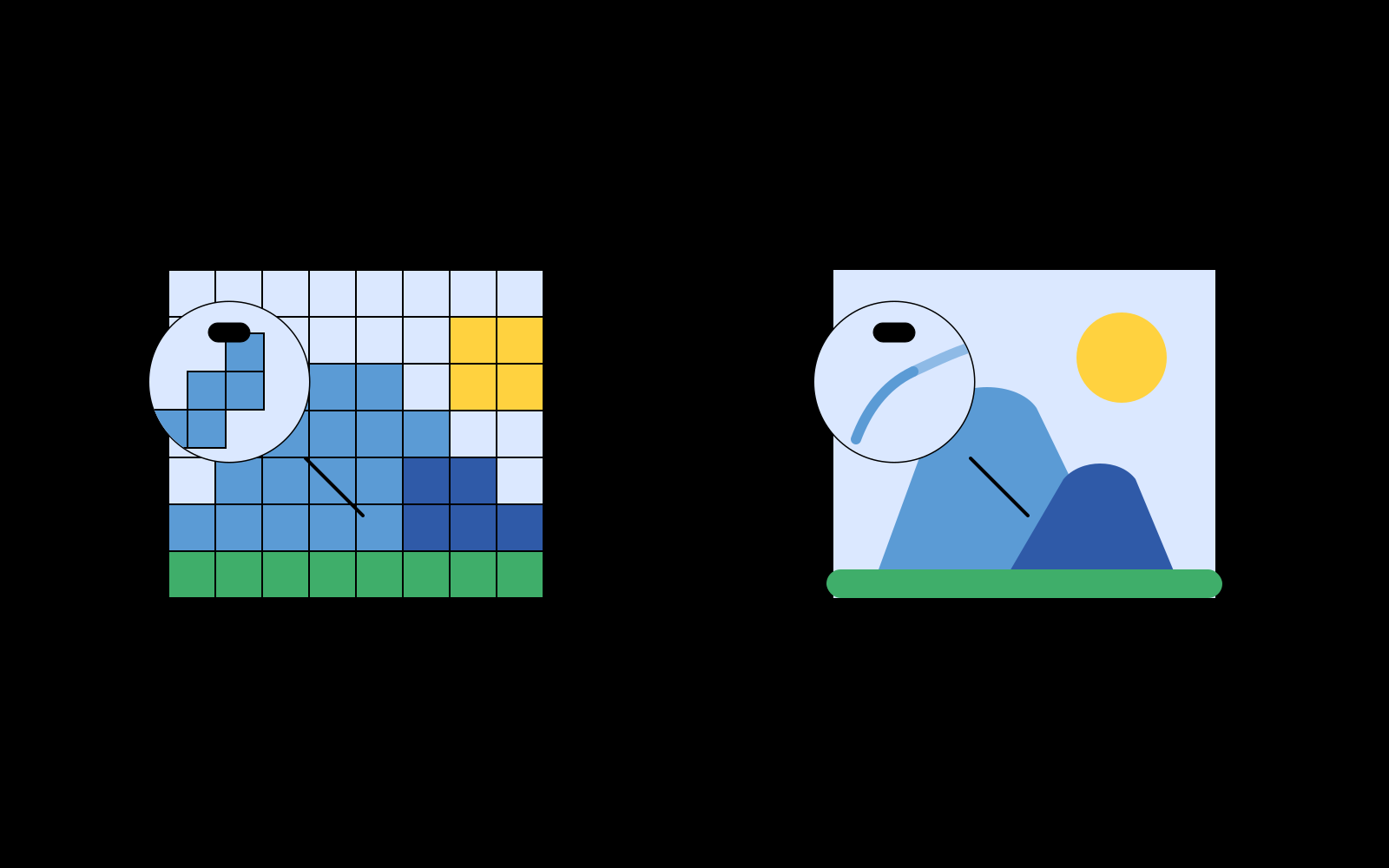
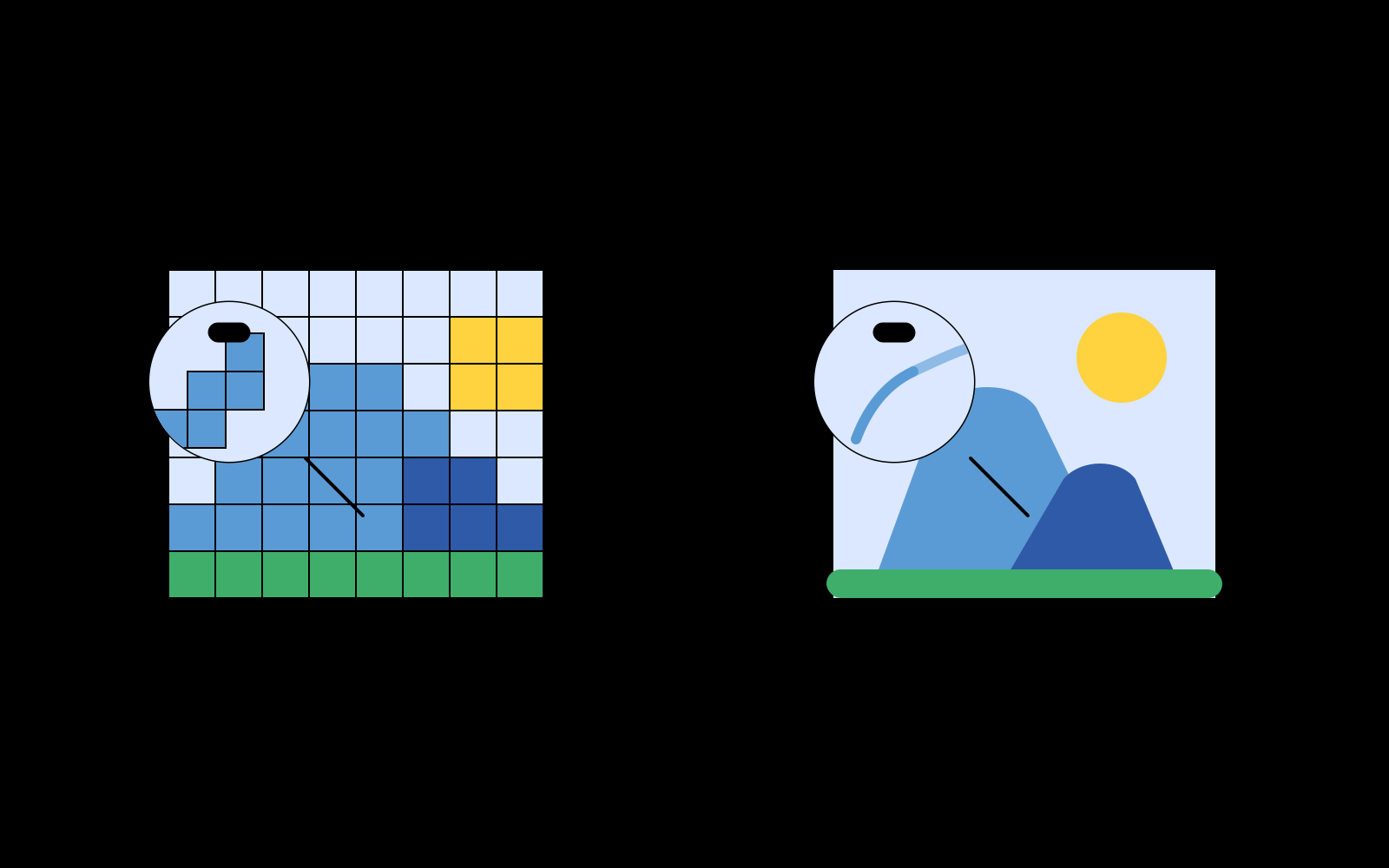
WebP is Google's modern image container supporting both lossy (VP8) and lossless (VP8L) compression with alpha transparency. While WebP achieves small file sizes for web transmission, it remains a raster format locked into a static pixel matrix. When you scale a WebP icon for high-density 4K displays or large format signage, pixelation and jagged borders inevitably appear.
SVG (Scalable Vector Graphics) defines imagery with mathematical Bézier curves, coordinates, and color fills. Converting WebP to SVG produces resolution-independent assets that render with pristine clarity on any viewport. Furthermore, SVGs can be styled with CSS, animated with JavaScript, and edited directly inside design tools like Figma and Adobe Illustrator.
Seamless WebP Tracing in Your Browser
Many legacy desktop vectorizers cannot open modern WebP files directly. Pic2Vector leverages your browser's native hardware-accelerated WebP decoding pipeline (via `createImageBitmap`) and feeds raw RGBA pixel arrays directly to our Rust WebAssembly vector engine.
The engine automatically segments color topology into stacked hierarchical layers, eliminating microscopic stitching gaps between adjacent color patches.
Three Optimized Vector Modes
- Full Color Spline: Preserves continuous color gradients with smooth Bézier splines - best for detailed graphics and UI scenes.
- Black & White: Sharp binary edge detection for typography, line art, and signatures.
- Posterize: 32-color quantization for bold, screen-printed vector artwork.
Need to convert other image formats? Check out our PNG to SVG Tool, JPG to SVG Converter, Logo to SVG Converter, or universal Image to Vector Converter. Simply launch the free WebP vectorizer to start converting immediately.
How to Convert WebP to SVG
1. Upload your WebP
Drag in or paste a WebP file. Decoding runs in memory on your device.
2. Tune tracing parameters
Choose tracing mode and adjust path simplification with live preview.
3. Export layered SVG
Download clean, layered SVG vector files ready for web or print design.
Why Pic2Vector
100% Local & Private
Your WebP file never leaves your computer. No upload, no cloud, no tracking.
Native WebP Decoding
Supports modern lossy and lossless WebP with full alpha transparency.
Free, No Watermark
Export standard layered SVG vectors with one click. Clean vectors with zero watermarks.
Frequently asked questions
Does Pic2Vector support WebP files?
Yes. Any image format your browser can decode works, and WebP is supported in all modern browsers. Just drag the file in and it is traced locally.
Why convert WebP to SVG?
WebP is great for small file sizes, but it is still a bitmap that blurs when scaled. SVG keeps edges and curves sharp at any size, which matters for logos, icons, and print work.
Is Pic2Vector free to use?
Yes. Standard browser vectorization is free to use without watermarks or mandatory signups, powered by our high-performance in-browser WebAssembly engine.
Does Pic2Vector upload my WebP?
No. Every pixel is processed locally in your browser with WebAssembly. Your image never leaves your device.