Logo to SVG Converter
Convert raster logos, icons, and brand insignias into clean, precision SVG vectors. Preserve sharp corners and typography locally in your browser with zero data uploads.
Why Vectorize Logos and Brand Marks?
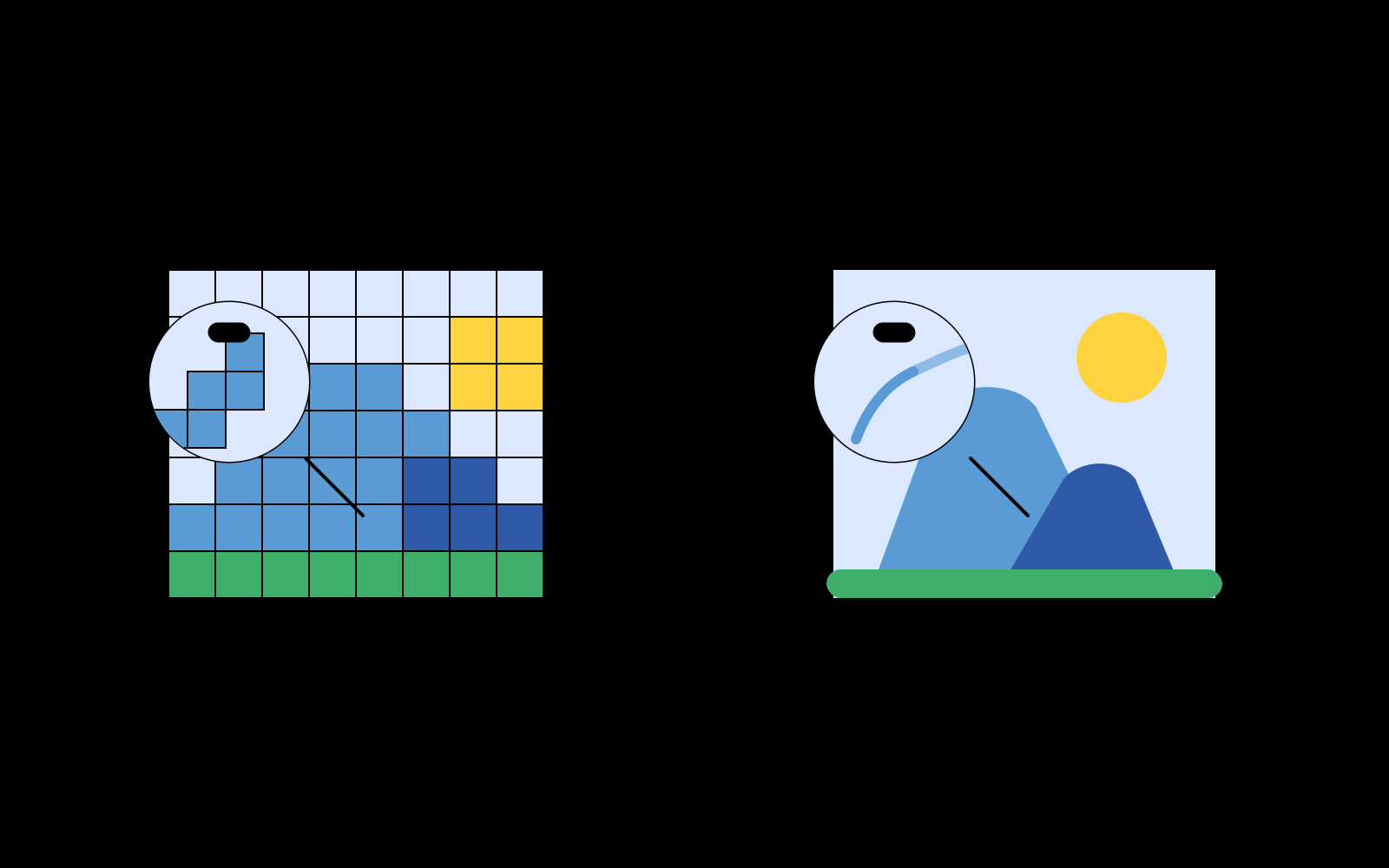
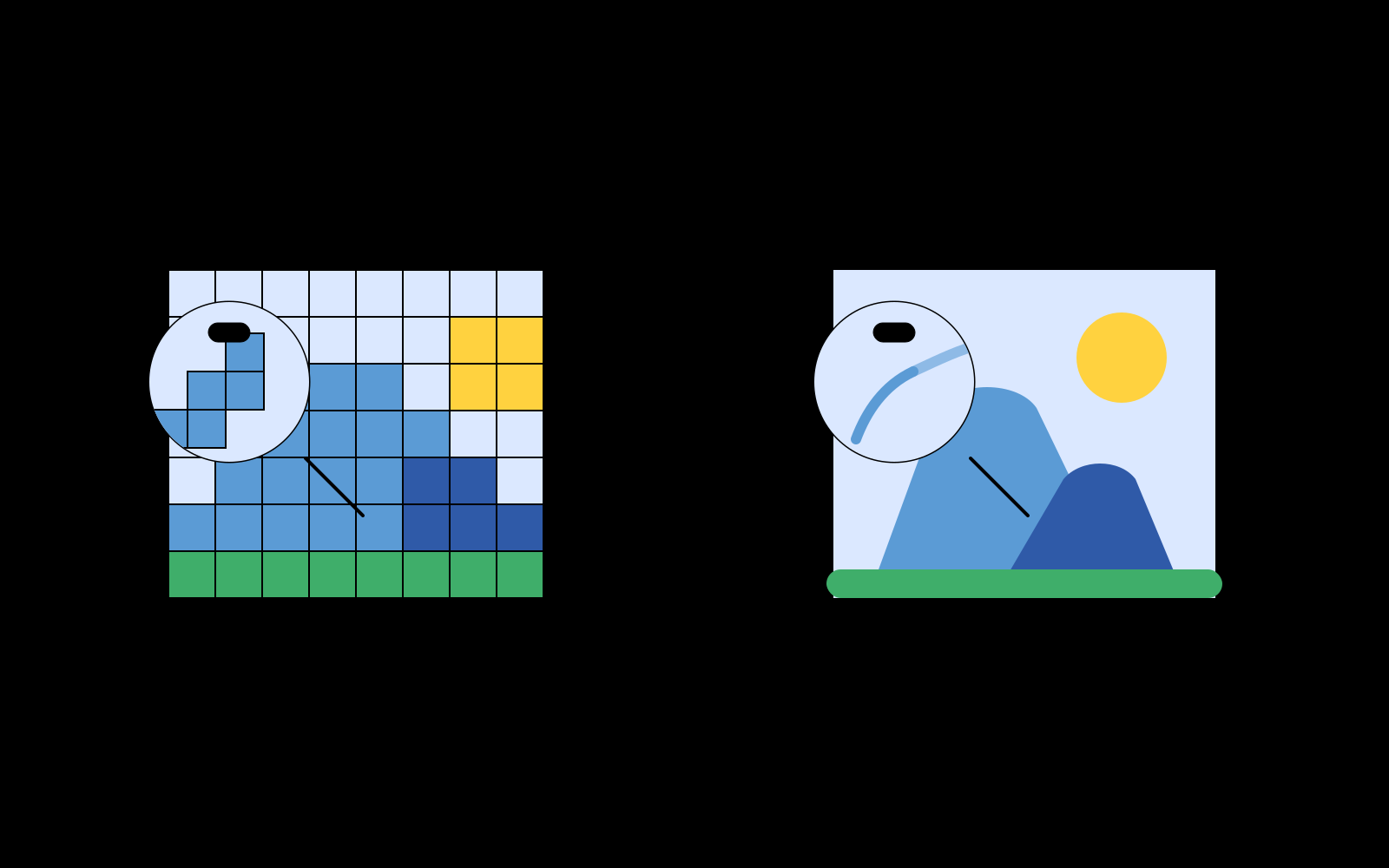
A corporate logo is the cornerstone of brand identity. While a low-resolution PNG or JPG screenshot might look acceptable on a mobile screen, it quickly deteriorates into blurry pixels when enlarged for merchandise packaging, corporate stationery, high-DPI pitch decks, or vehicle wraps.
Vectorizing a logo into SVG converts rigid pixel grids into mathematical geometric contours. An SVG logo maintains immaculate clarity at any display dimension and allows designers to modify colors, adjust path nodes, and extract discrete vector layers effortlessly.
Precision Corner Detection for Geometric Logos & Typography
The biggest challenge in logo vectorization is maintaining sharp angular corners without over-rounding letterforms or turning geometric polygons into rounded blobs.
Pic2Vector uses an intelligent corner threshold evaluation algorithm. When fitting spline curves along logo boundaries, the engine analyzes turning angles between adjacent line segments. Sharp corners, angular glyphs, and typography serifs are locked as crisp sharp vertices, while organic outer curves are rendered with smooth parametric splines.
Multi-Layer Color Separation for Production
Whether preparing artwork for screen printing, vinyl cutters, or digital embroidery machines, discrete color separation is essential. Pic2Vector automatically groups identical color regions into clean, stacked hierarchical layers that can be toggled, locked, or exported independently.
Explore our specialized tools for specific formats: PNG to SVG Tool (for transparent logos), JPG to SVG Tool, WebP to SVG Converter, Image to SVG Tool, or Image to Vector Converter. Simply launch the free logo vectorizer - all processing runs privately on your device.
How to Convert a Logo to SVG
1. Drop in your logo
Upload PNG, JPG, or WebP logos. Decoded in browser memory.
2. Adjust tracing mode
Select black & white or color mode and tune corner threshold for sharp vertices.
3. Download SVG logo
Export layered, production-grade SVG files ready for design and fabrication.
Why Pic2Vector for Logos
100% Private & Confidential
Proprietary brand assets never touch cloud servers or third parties.
Razor-Sharp Corner Control
Preserves angular geometry, serifs, and crisp typographic vertices.
Free, No Watermark
Export production-ready SVG files with one click. Clean vectors with zero watermarks.
Frequently asked questions
Why is vector SVG better for brand logos?
Brand logos must look crisp across varied formats - from a tiny 16px website favicon to a 10-meter exhibition banner. Raster logos blur when scaled, while SVG vector curves render with mathematical precision at any scale factor.
How does Pic2Vector keep sharp corners on logos and typography?
Pic2Vector includes an adjustable corner threshold parameter. When tracing geometric boundaries, the engine differentiates between gentle curves and sharp angular vertices, preserving crisp right angles, serif tips, and geometric logo marks.
Is my logo uploaded to any cloud server?
No. Logo files and corporate identity assets remain completely private on your computer. All tracing runs locally inside your browser via WebAssembly.
Can I import the traced SVG logo into Figma or Illustrator?
Yes. The exported SVG contains standard, cleanly grouped vector paths that you can directly open, recolor, and edit in Figma, Adobe Illustrator, Inkscape, or CorelDRAW.